
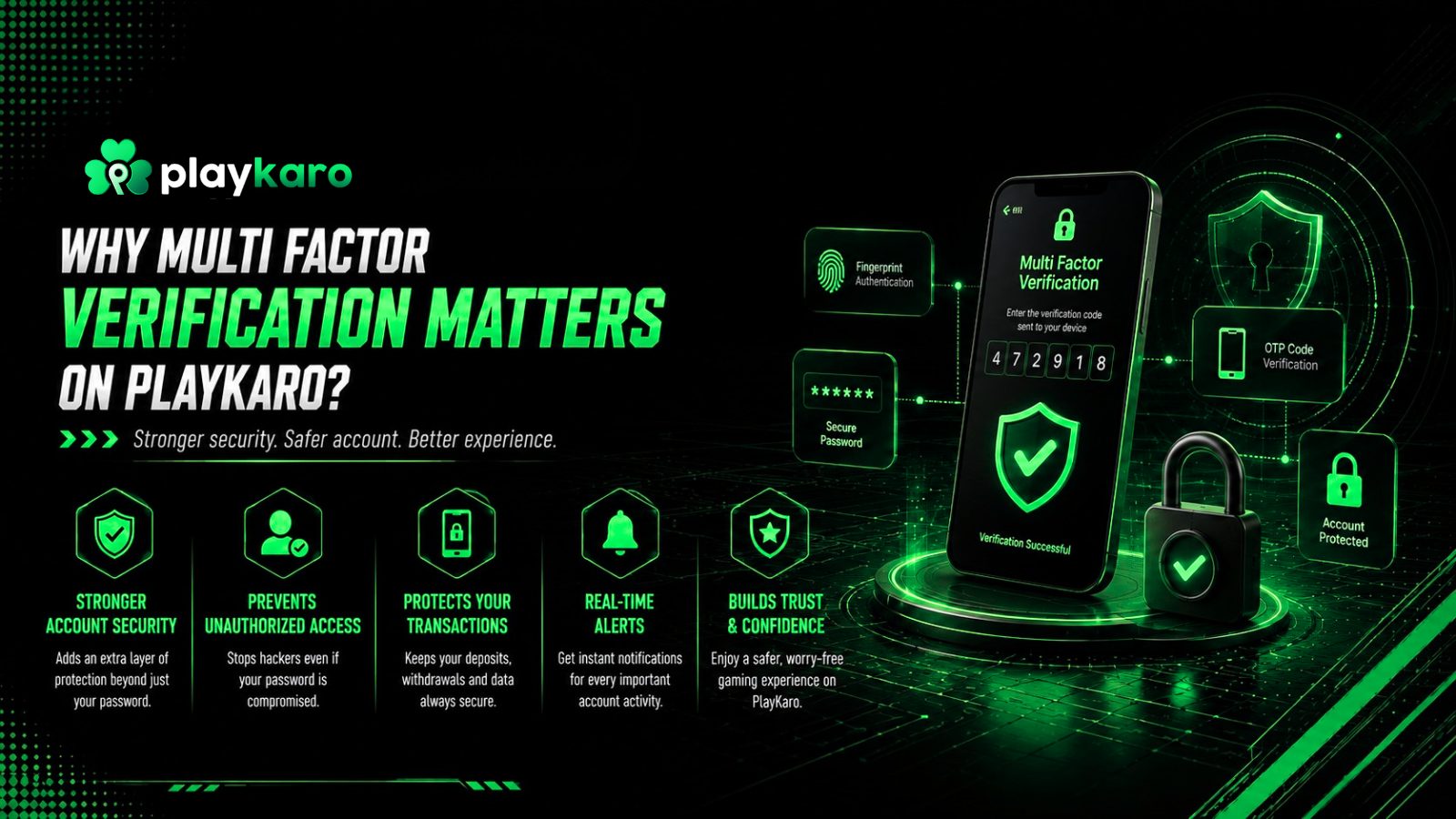
Would you leave your front door unlocked just because keys are old to use? That is what a single password does for your account. Playkaro multi factor verification adds a second lock, and it stops most break-ins before they start.
A lot of account takeover happens and this fraud activity does not get highlighted very easily. This platform takes this risk seriously, and it hardly ever treats security as an afterthought. This blog explains why the multi-factor verification matters, how it works, and how to lock your account down.
The Real Cost of Skipping Playkaro Multi Factor Verification
Fraud costs add up fast, and any accounts are not spared. Global account takeover losses are set to hit $17 billion in 2025, per current fraud data. Meanwhile, 83% of operators say fraud attempts have grown over the past year. Passwords alone cannot handle this rising pressure anymore, especially on Playkaro platforms.
In fact, 62% of players still reuse the same password across multiple sites, based on recent research. That habit hands attackers an easy, direct way into your account. Playkaro multi factor verification closes that gap by demanding proof beyond a password.
Here is what a single takeover can cost:
- Average individual loss per incident: $180, with some cases reaching $85,000
- Average cost to a business per major breach: $5 million
What Playkaro Multi Factor Verification Actually Checks
Multi-factor verification asks for more than one password. You prove who you are in three different ways, and each one shuts down a different type of attack. Add something you have, like a code that lands on your phone. Then there’s something you are, your fingerprint or face, which no attacker can fake from a distance.
Playkaro account security layers these checks together, so a stolen password alone cannot open your account.
- Password or PIN required at every login
- One-time code sent to your registered mobile or email on new devices
- Optional biometric lock available inside the platform app
Two Factor Authentication Metrics That Prove The Point
The numbers back this approach completely. Microsoft reports that MFA blocks over 99.9% of automated account attacks. Google found that a verified recovery method blocks up to 100% of bot attacks and 99% of bulk phishing attempts.
Even after a password leak, MFA still prevented 98.6% of real attack attempts in a large sample study. Yet only 38% of organizations have rolled out MFA everywhere. That gap is exactly why Playkaro multi factor verification deserves more attention on platforms like PlayKaro.
| Method | Attacks Blocked |
| OTP via SMS or app | 99.9% of automated attacks |
| Verified recovery contact | 100% of automated bots |
| Verified recovery contact | 99% of bulk phishing attempts |
| MFA after a password leak | 98.6% of real attack attempts |
Profile Verification Setup In Four Quick Steps
Have your number and email up to date. It sounds small, but outdated details are exactly what locks people out when they need in the most. Got a device with biometric support? Turn it on. It takes seconds and gives you one more layer of backup.
If your device supports it, switch on biometric lock too. It only takes a second and adds a real layer of protection. Last, glance through your active sessions and sign out of anything you don’t recognize. This quick Playkaro multi factor verification setup closes most common entry points attackers rely on.
Also Read : PlayKaro Registration: Key Factors New Users Must Know
Secure Access Parameters You Rarely See
Behind every login, PlayKaro checks signals you never notice. Device fingerprinting quickly flags logins that come from unfamiliar devices. Geo-velocity checks catch impossible travel, like two countries within minutes. Together, these secure access parameters work quietly in the background.
Does MFA Actually Slow Down The Game
Some players worry that extra steps ruin the fun. That concern is fair, but modern MFA only triggers on risky logins, not every session. Adaptive checks stay invisible until something in the login looks off. So your daily login stays fast, while fraud attempts still hit a wall. A short delay during a suspicious login costs far less than a drained wallet.
How PlayKaro Multi Factor Verification Keeps Your Account Safe
The platform combines one-time codes, device checks, and session controls into one layered system. No single control catches everything alone, so the layers work together instead. This approach closes the small gap that even top MFA methods admit exists. This multi-factor verification, paired with smart backend signals, gives users real protection without constant friction.
Your account holds more than login details; it holds your progress, items, and trust. Skipping Playkaro multi factor verification leaves that value exposed to attackers who move fast and target weak points. The data is clear: MFA blocks nearly every automated attack out there. Still, many players skip it and hope for the best.
Take five minutes today to check your registered number, turn on OTP, and review your sessions. That small habit stands between you and a costly account takeover. Strong security should not feel heavy, and PlayKaro built its verification system to prove exactly that. Lock it down now, and then get right back to playing.
FAQs
Is multi-factor verification mandatory on PlayKaro profile verification setup?
The platform strongly asks it for every account. Users who skip it face a much higher risk of takeover, especially on shared or public devices.
What happens if I lose access to my registered mobile number?
If your facing issues with lost number, no problem. Update it through your recovery email in a few clicks, or reach out to support if you’re stuck.
Does enabling MFA slow down login every single time?
No, it does not. Adaptive checks mostly stay silent and only ask for extra proof when a login looks unusual or risky.
How often should I review my active sessions and devices?
Check your active sessions at least once a month. Review them right away too if you notice any unfamiliar login activity or alerts.